Budget
Track spending against tag-based budget categories with monthly rollovers.
How it works
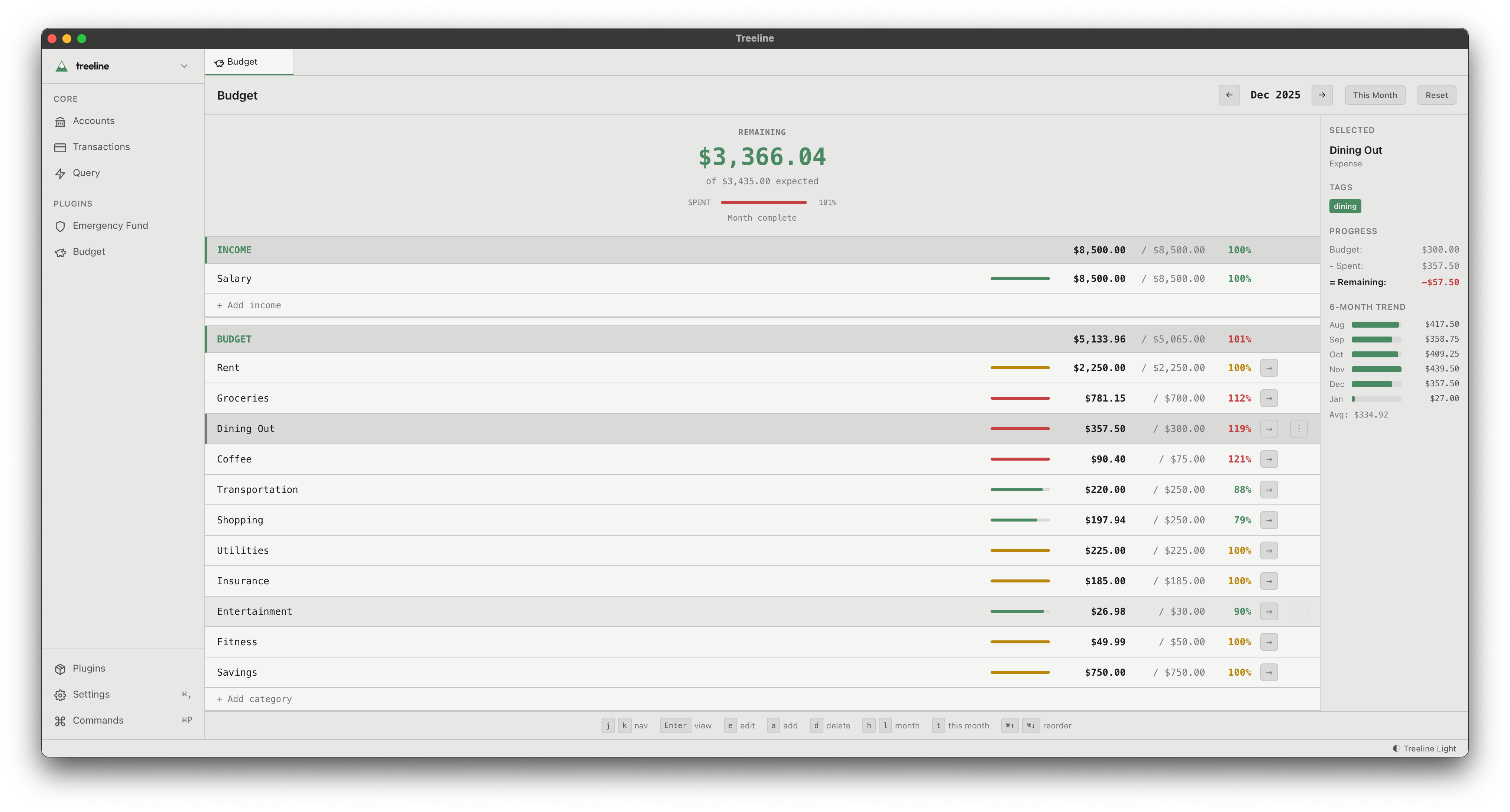
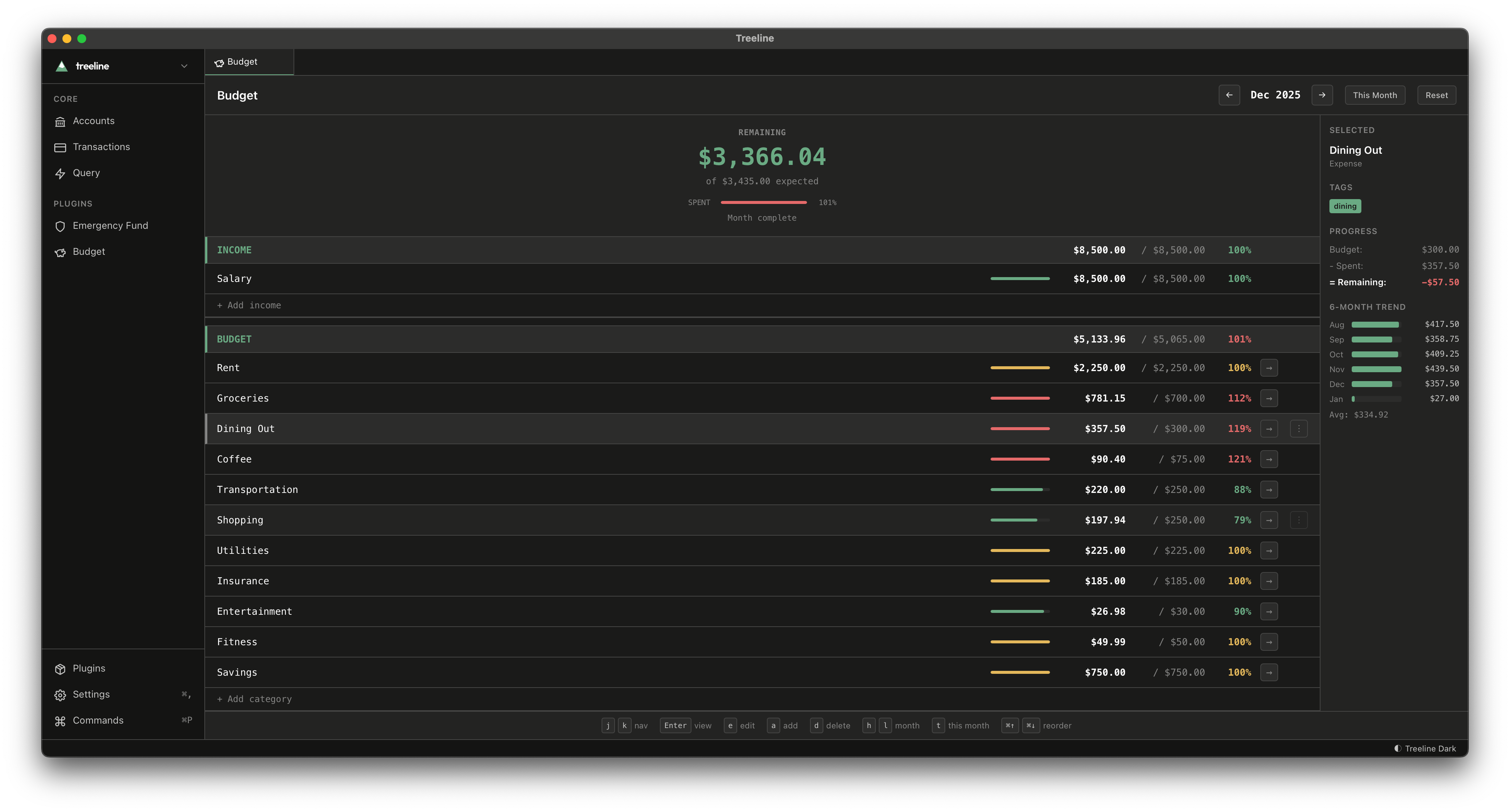
Create budget categories linked to transaction tags. When you tag a transaction (e.g., groceries, dining, entertainment), it automatically counts against that category's budget. Unspent amounts roll over to the next month.
What you'll see
- Category spending - How much you've spent vs. budgeted in each category
- Monthly rollovers - Unspent budget carries forward automatically
- Progress bars - Color-coded indicators that turn red when you exceed a category
Getting started
Create your first budget category and link it to a tag. Then tag your transactions - the plugin handles the rest.